

Captcha won't load or work
An infinitely spinning, loading, or blank CAPTCHA usually means your browser, network, or an extension is blocking the necessary scripts from running.
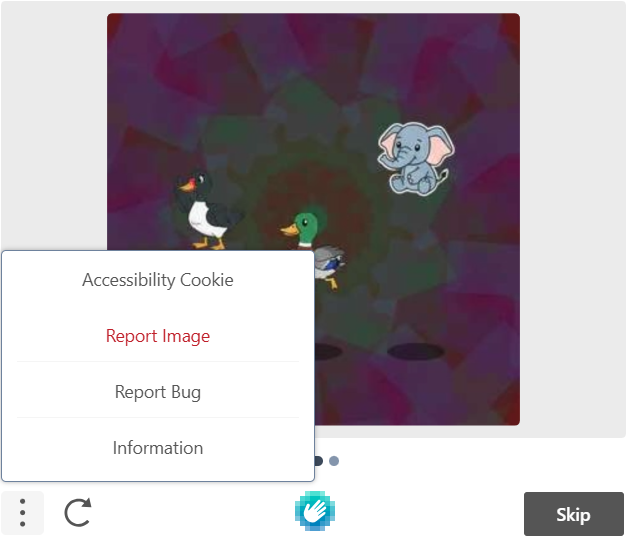
Switch to Accessibility Mode: If you are unable to solve the captcha, try using “skip” to get another test. Or signup for accessibility features, which will bypass the captcha completely. Select the three dot menu, then “Accessibility Cookie”.
Use Incognito/Private Mode: Open the website in an Incognito/Private window. If it works there, a browser extension, ad blocker or corrupted cache is the cause.
Switch Browsers: If you are using Firefox, try Chrome or Edge (and vice-versa).
Disable VPN or Proxy: CAPTCHA systems frequently block IP addresses from known VPN providers or proxies, causing them to stall.
Clear Cache and Cookies: Outdated stored data can prevent the verification script from loading.
Disable Ad Blockers/Privacy Extensions: Tools like Adblock, UBlock, or privacy-focused browser settings (especially "Strict" mode in Firefox) often interfere with CAPTCHA scripts.
Check JavaScript: Ensure JavaScript is enabled in your browser settings, as CAPTCHAs require it to function.