

How can I make my cam private / invite only / by request only?
Once you press the webcam icon, select the “Private” option.
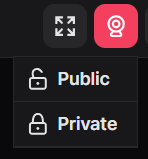
Then, you decide who can view your cam. Users may click on it to request to view it (you can accept or decline).
TIP: To switch between public/private you will need to stop your webcam and start in the correct mode.