

How do I change my photo
1. Login, on the bottom left of your screen name, just to the right of your name, select the ">" right pointing arrow
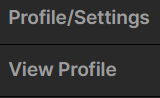
Select Profile/Settings
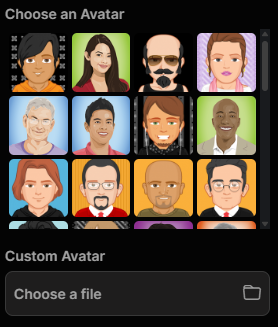
3. Select a pre-made cartoon avatar or choose “Custom Avatar” and upload your photo.
Be sure to scroll all the way down and select “Update”