

How do I change my profile?
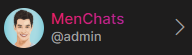
1. Open the left menu, at the bottom, you’ll see your screen name, just to the right of your name, select the ">" right pointing arrow.
Select Edit Profile
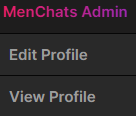
2. Choose “Edit Profile”.
3. Once you have made the changes, be sure to choose “Update” at the very bottom.