

How to change password
1. Login, on the bottom left of your screen name, just to the right of your name, select the ">" right pointing arrow

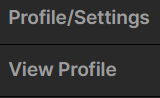
Select Profile/Settings
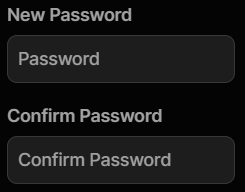
3. Scroll down, enter your new password in “New Password” and enter it once more in “Confirm Password”.
Be sure to scroll all the way down and select “Update”