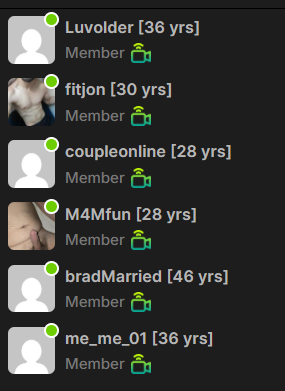
How to view cams
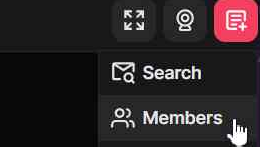
On the top right of the site is a button that looks like a document with a plus symbol, select that, then “Members”
The online users in the room/group will be visible. The default order will be all public cams at the top, followed by private cams (must request permission to view).