

Rotate/switching your webcam
Ensure you are broadcasting/sharing. Your browser may ask for permission and offer drop-down menus to select the correct camera and microphone. Just below the preview of your cam, click the "gear" or "sprocket" icon. In the box that appears, choose the correct camera and microphone.
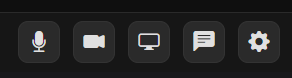
TIP: If you have a microphone and do not want to broadcast it, select the microphone button to turn it off and go video only.