
Logo Men Chats Help Logo Men Chats Help
  • Return to MenChats Video Chat
Logo Men Chats Help Logo Men Chats Help
  • Return to MenChats Video Chat
  • Account/Membership
    • Account does not exist error
    • How do I change my photo
    • Can I have nude photos?
    • Membership Benefits
    • Guest limitations
    • Problems logging on as a member
    • How do I signup?
  • Bans & Rules
    • Bans
    • Rules
  • Troubleshooting
    • Webcam & Microphone
    • Chat Issues
    • Account does not exist error
    • Why are you charging me?
    • How do I change my webcam?
  • Using Chat
    • Profile / Account
    • Webcam & Microphone
    • Friends
    • Features / Options
    • Guest Features
    • Photos / Pictures
    • Private Chat / Private Messages
    • Guest limitations
Powered by eniston
  1. Overview
  2. Using Chat
  3. Profile / Account
  4. Can I change my user name?

Can I change my user name?

Changing your username is a benefit of membership.

  1. Login, on the bottom left of your screen name, just to the right of your name, select the ">" right pointing arrow
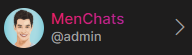
image.png
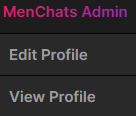
  1. Select Edit Profile

image.png
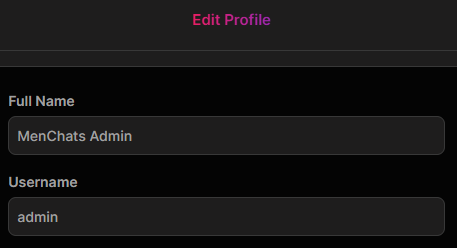
  1. Enter the new username

image.png
  1. Scroll down and select the “Update” button


Was this article helpful?
© 2026 MenChats
  • MenChats Video Chat Main Site
  • Changelog
  • Suggestions / Improvements